
Adjust Styles
CSS variables are provided to enable developers to overwrite the styles of Vue PDF Viewer component.
Listed below are some of the most commonly used variables. All other variables can be found in our GitHub
css
--vpv-container-border-color: rgba(0, 0, 0, 0.3);
--vpv-toolbar-background-color: rgba(226, 230, 233, 1);
--vpv-toolbar-color: rgba(28, 32, 36, 1);
--vpv-toolbar-border-color: rgba(198, 204, 210, 1);
--vpv-loader-backdrop-color: rgba(255, 255, 255, 0.8);
--vpv-loader-animation-name: spin;
--vpv-icon-active-background: rgba(0, 0, 0, 0.1);
--vpv-sidebar-content-background: rgba(250, 250, 250, 1);
--vpv-sidebar-thumbnail_page-number-font-size: 12px;
--vpv-sidebar-thumbnail_focused-border-color: rgba(0, 0, 0, 0.2);
--vpv-pages-container-background: rgba(250, 250, 250, 1);
How to change the font style
To overwrite font styles, you can utilize :deep with the VPdfViewer wrapper CSS class.
css
/* in component file that uses Vue PDF Viewer */
<style>
:deep(.vpv-variable) {
    --vpv-font-family: Arial, Helvetica, sans-serif;
}
</style>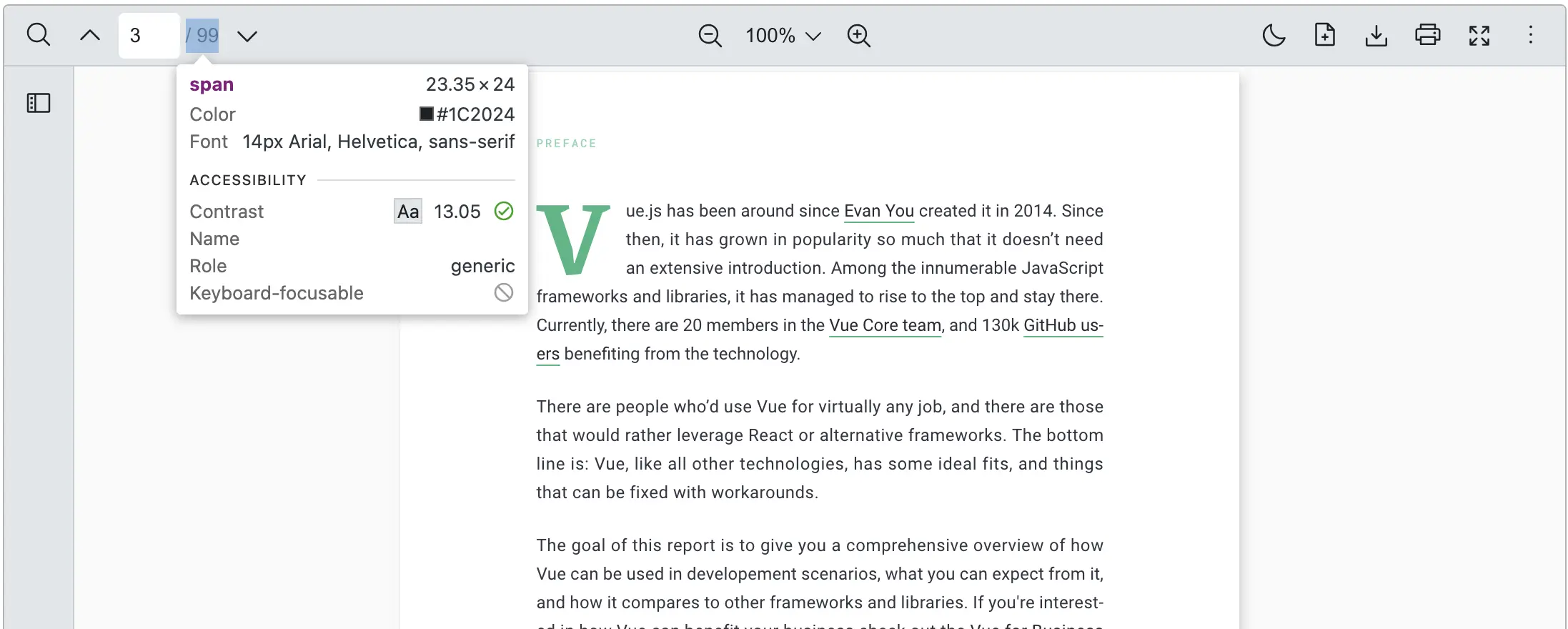
How to customize the color of Vue PDF Viewer’s appearance
To overwrite color styles, you can use :deep with the VPdfViewer wrapper CSS class.
html
<script setup>
  ...
</script>
<style scoped>
:deep(.vpv-container) {
  --vpv-container-border-color: lightblue;
  --vpv-toolbar-background-color: mintcream;
  --vpv-toolbar-color: black;
  --vpv-toolbar-border-color: lightblue;
  --vpv-icon-active-background: grey;
  --vpv-sidebar-content-background-color: mintcream;
  --vpv-sidebar-content_thumbnail-page-number-font-size: 10px;
  --vpv-sidebar-content_thumbnail-focused-border-color: darkslategrey;
  --vpv-pages-container-background: mintcream;
}

/* To override variables in dark mode */
:deep(.vpv-variables__dark) {
  --vpv-container-border-color: blue;
  --vpv-toolbar-background-color: darkgrey;
  --vpv-toolbar-color: white;
  --vpv-toolbar-border-color: blue;
  --vpv-icon-active-background: grey;
  --vpv-sidebar-content-background-color: darkgrey;
  --vpv-sidebar-content_thumbnail-focused-border-color: white;
  --vpv-pages-container-background: darkgrey;
}
</style>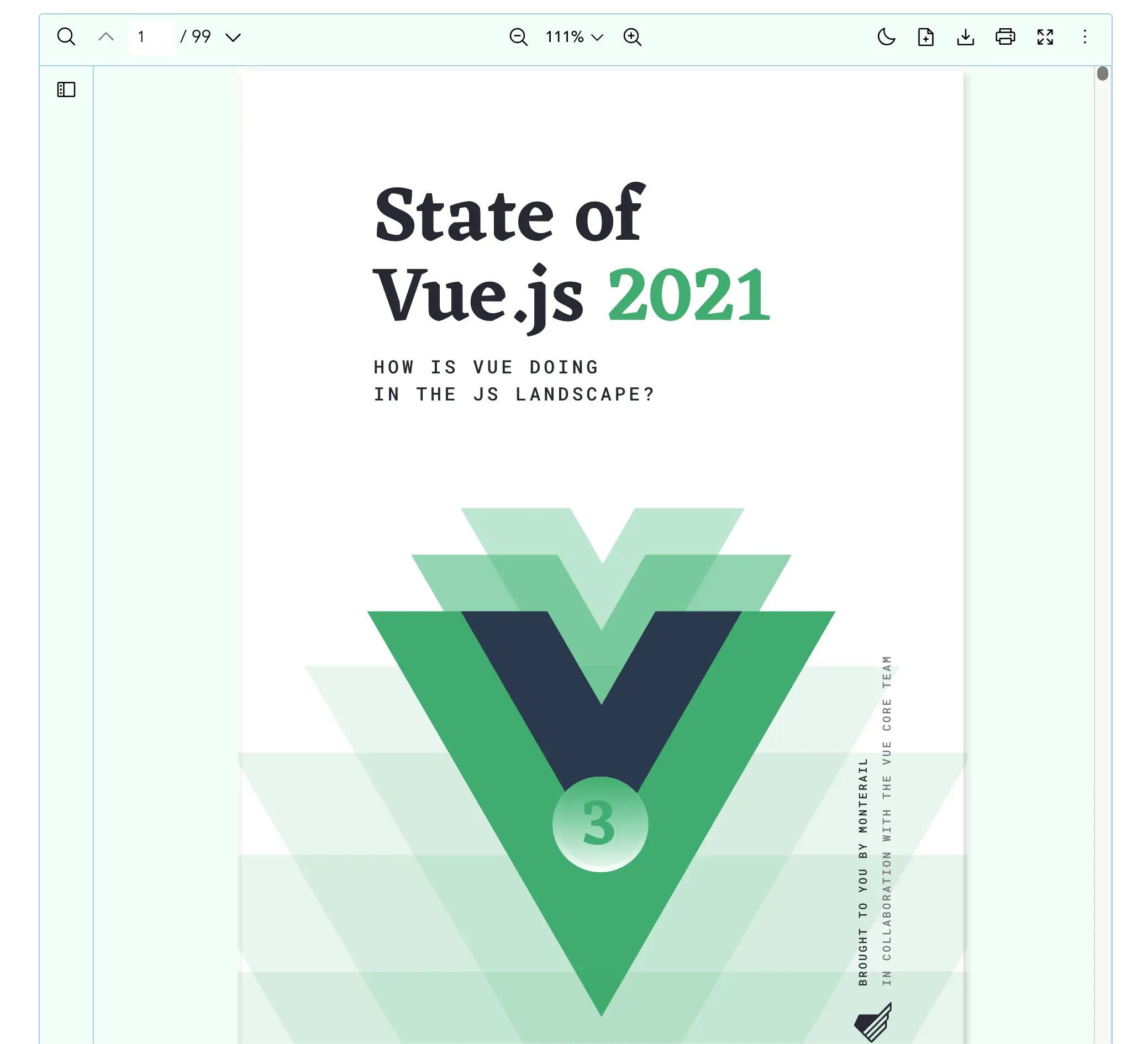
How to handle PDF Viewer's appearance from that of the parent's application
The Vue PDF Viewer's appearance is designed to be independent from a parent application's appearance.
The library provides the darkMode property as a two-way binding, using the v-model property. There is an @update:darkMode event for emitting theme changes from the library, allowing developers to update the parent application's appearance accordingly.
html
<script setup lang="ts">
  import { VPdfViewer } from '@vue-pdf-viewer/viewer'
  const src = '/your-pdf.pdf'
  const isDark = ref(true)
  const handleDarkModeChanged = (dark: boolean) => {
    isDark.value = dark
    // TODO: your logic
  }
</script>

// Using v-model as two-way binding
<template>
  <div :style="{ width: '1028px', height: '700px'}">
    <VPdfViewer
      :src="src"
      v-model:darkMode="isDark"
    />
  </div>
</template>

// without v-model
<template>
  <div :style="{ width: '1028px', height: '700px'}">
    <VPdfViewer
      :src="src"
      :darkMode="isDark"
      @update:darkMode="handleDarkModeChanged"
    />
  </div>
</template>